How to Embed a PDF or Flipbook in WordPress
Embed a FlowPaper publication in WordPress to display interactive PDFs directly in posts or pages without redirecting users.
Before starting, make sure FlowPaper Desktop Publisher is installed.
Try it free: FlowPaper App
1) Publish your document
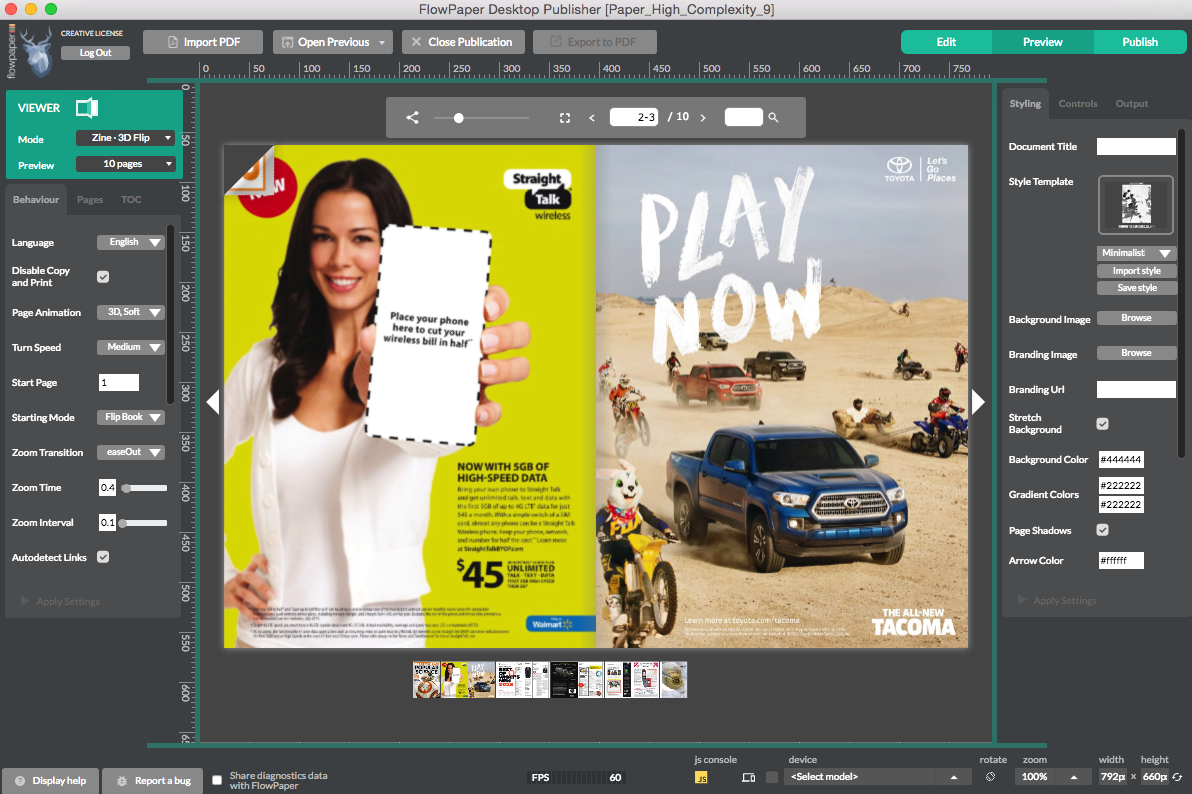
1) Open your PDF in FlowPaper and edit it if needed
2) Click Publish in the top-right corner
3) Select Cloud Hosted
4) Once processing is complete, click Start Upload
2) Copy the embed code

After uploading your publication:
-
Copy the embed code snippet
-
Or copy the publication URL if needed
FlowPaper provides several ways to display your publication:
-
Full publication embed – displays the entire document directly on the page
-
Clickable thumbnail – opens the publication when clicked
-
Lightbox popover – opens the publication in a popover view
3) Add the publication to WordPress
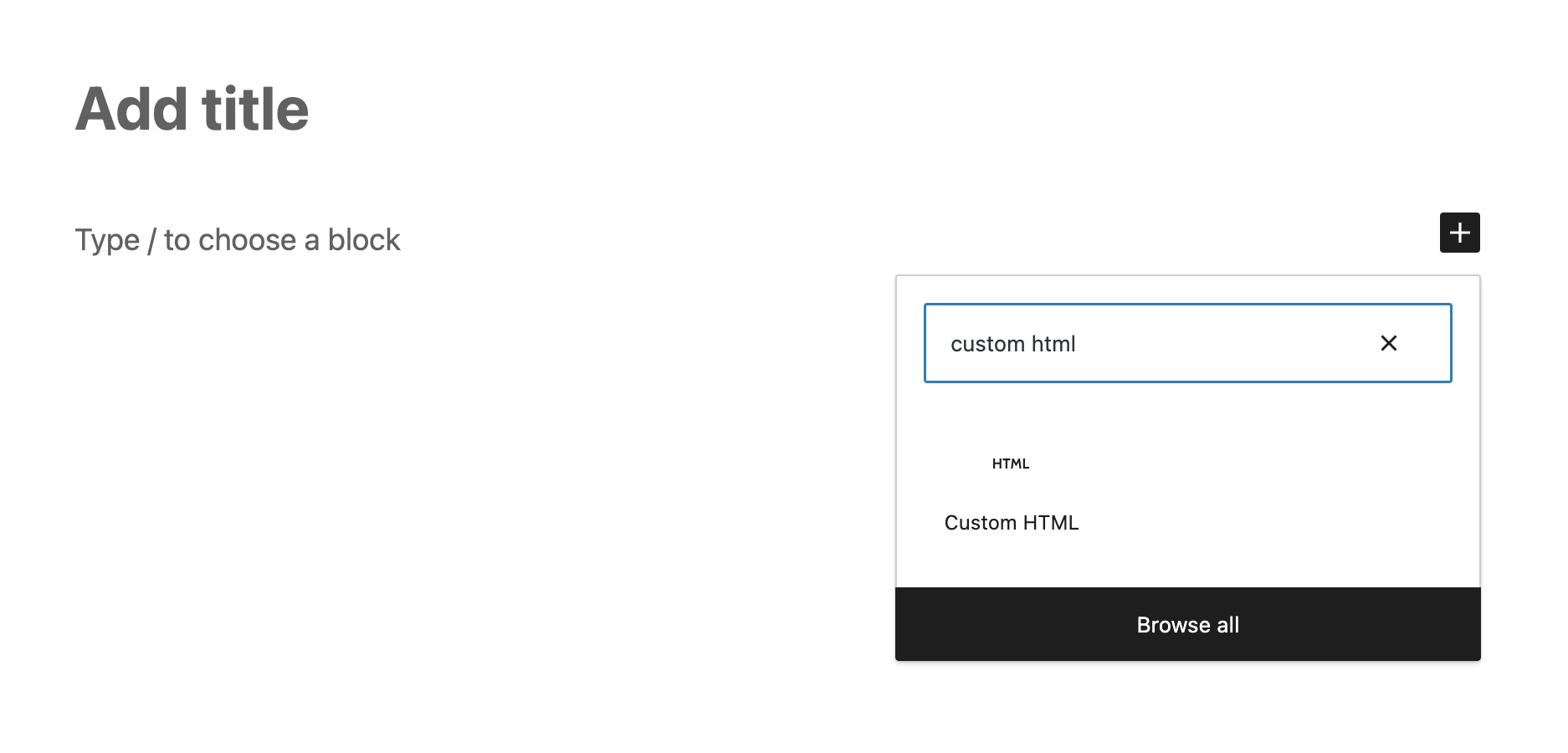
To embed your publication:
1) Open a page or post in WordPress
2) Click the + button to add a block
3) Select Custom HTML
4) Paste the FlowPaper embed code
The publication will appear directly within your content.
4) Adjust embed size
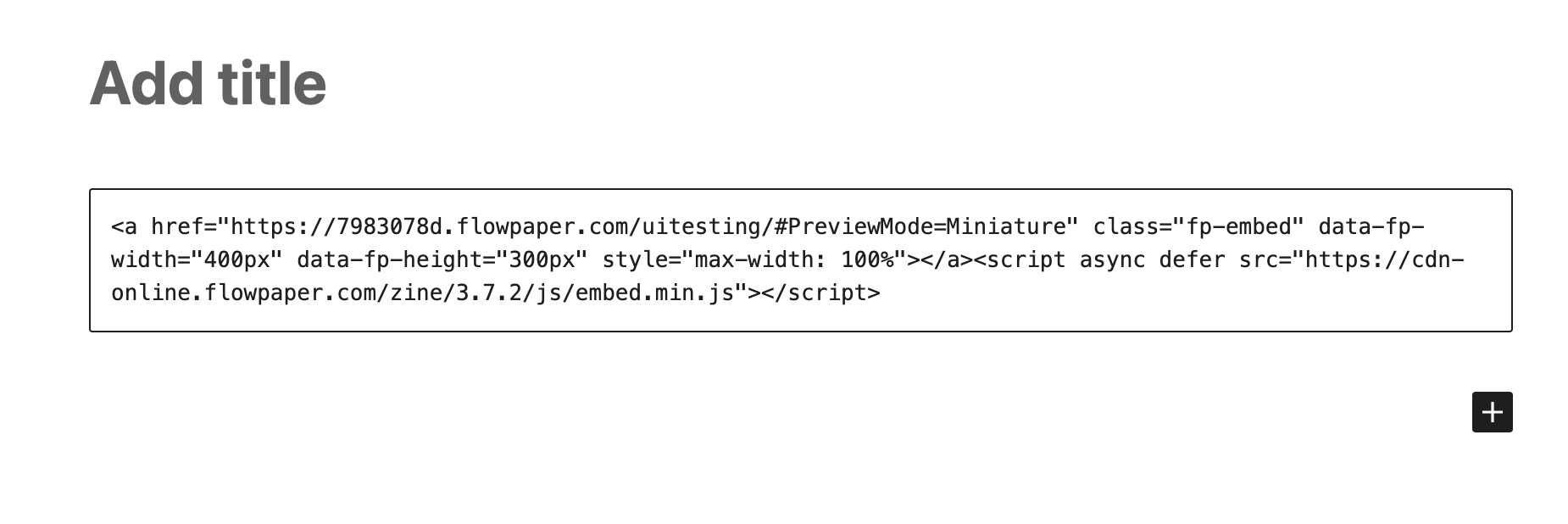
Adjust publication dimensions by editing data-fp-width and data-fp-height values in the embed code.
Related tutorials
How to Animate Text, Headers, and Pages in a PDF