Embed Publications in WordPress
This guide explains how to publish your flipbook and embed it in a WordPress post or page.
Before starting, make sure FlowPaper Desktop Publisher is installed.
Try it free: FlowPaper App
1) Open your PDF in FlowPaper
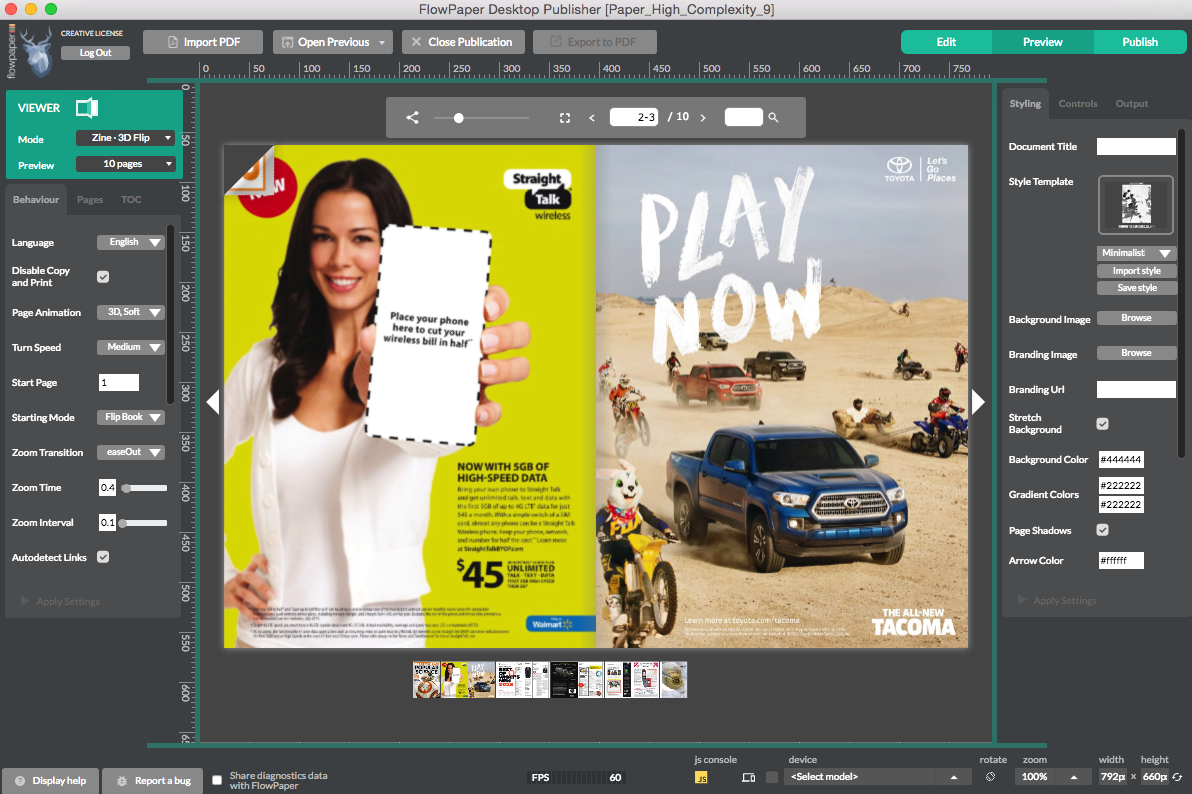
Import your PDF and apply the publication settings you want.
You can choose HTML5 conversion and optionally set fallback formats for older browsers.
2) Publish to FlowPaper Cloud
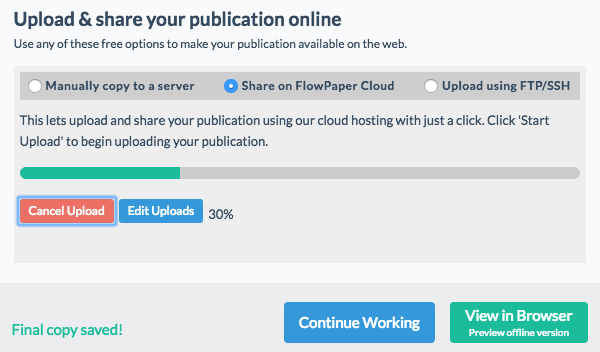
Click Publish in the top-right corner and choose Cloud Hosted.
When processing is complete, click Start Upload.
3) Copy the embed code
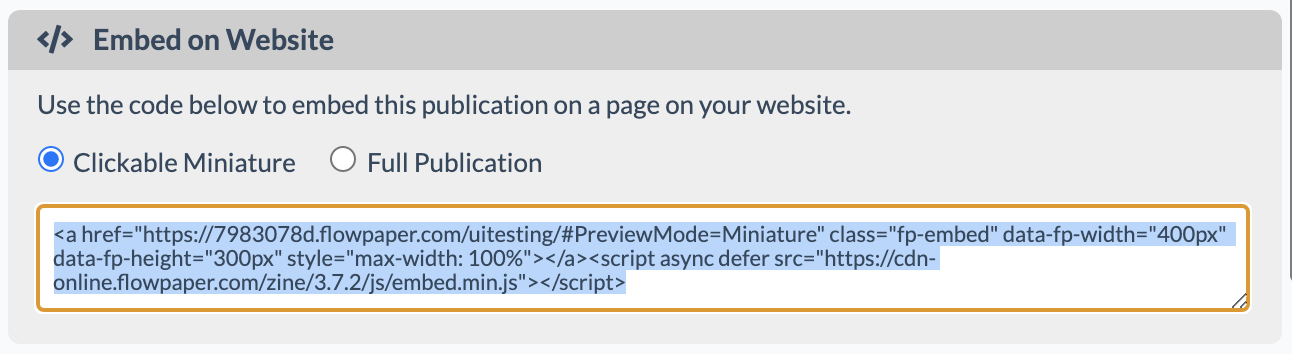
After upload, copy the embed code.
Choose Clickable Miniature for a smaller preview or Full Publication for a full embedded viewer.
4) Paste the embed code in WordPress
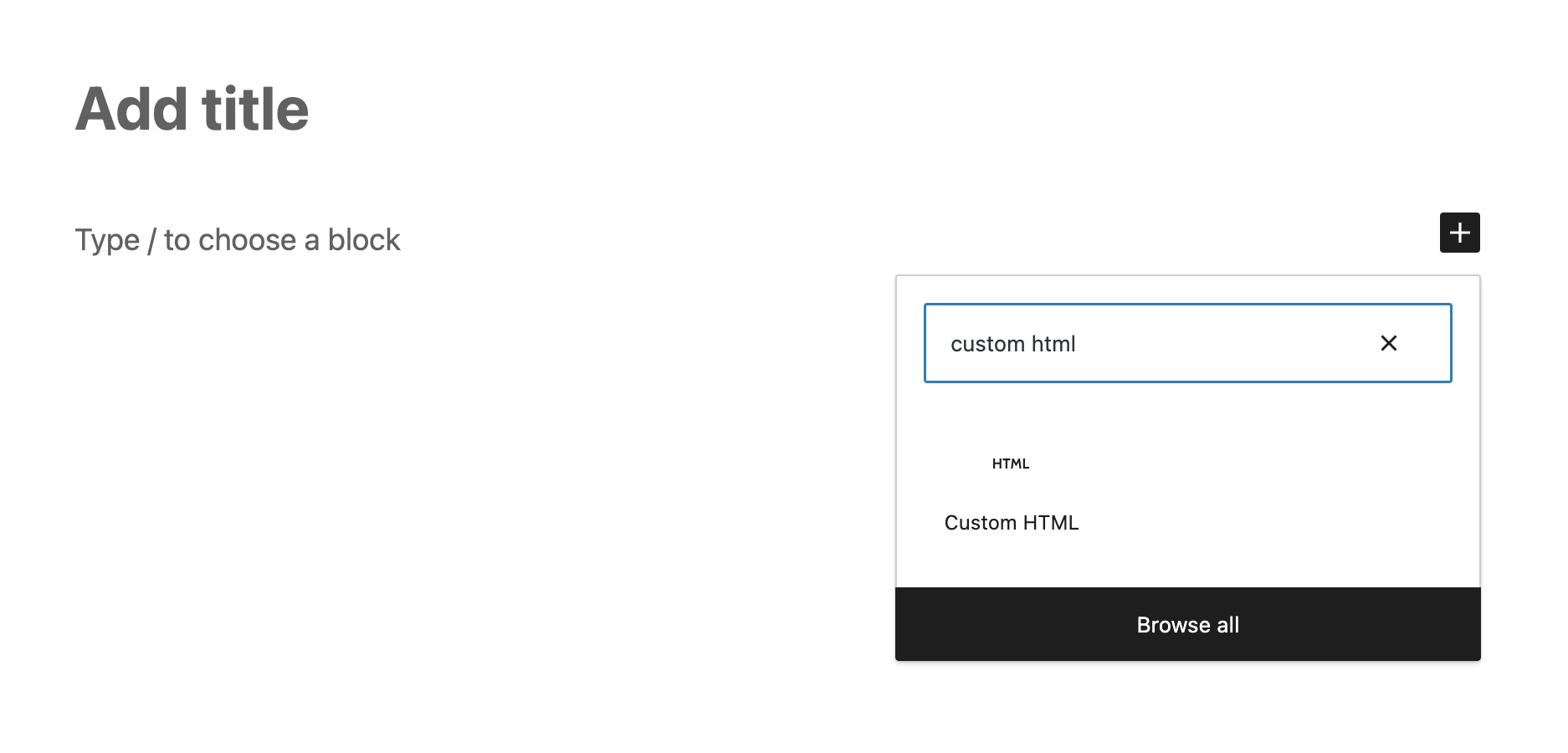
In WordPress, click the + button, add a Custom HTML block, and paste the FlowPaper embed snippet.
5) Adjust embed size
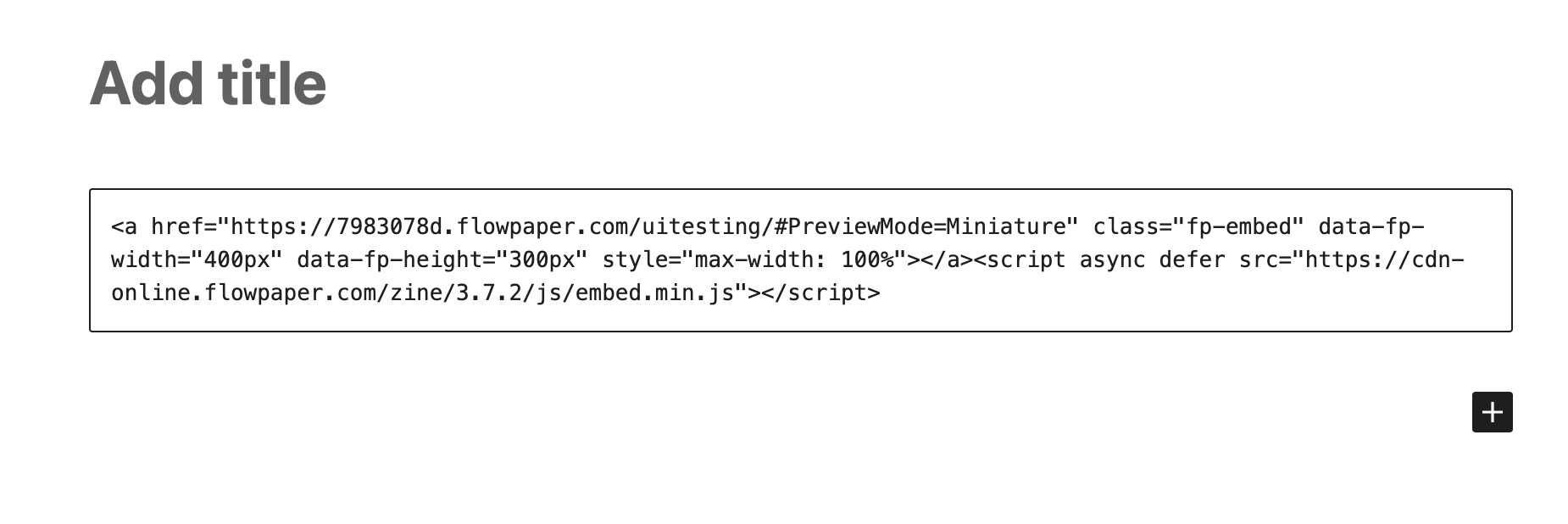
Adjust publication dimensions by editing data-fp-width and data-fp-height values in the embed code.