Host Publications on Your Own Domain
This guide covers the core steps for hosting flipbooks and other responsive publications on your own custom domain.
Video tutorial
1) Choose the correct publishing mode
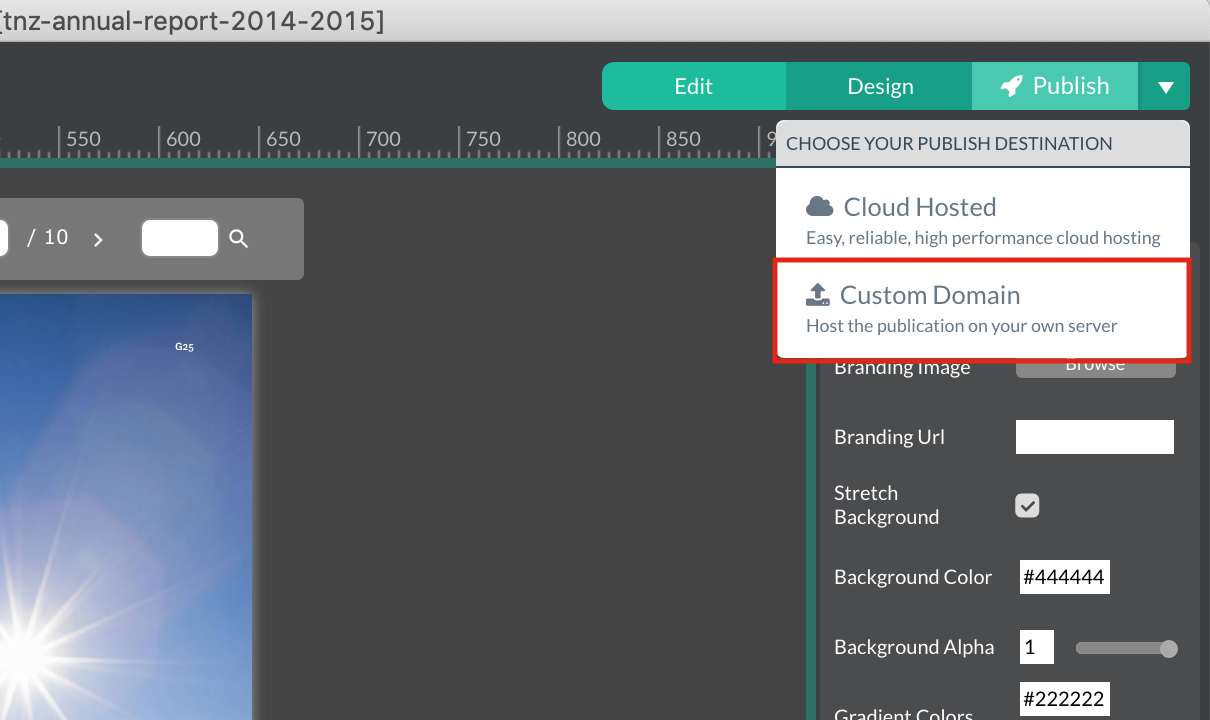
When publishing to your own server, choose Custom Domain.
This opens a dialog where you specify the domain name for hosting your publication.
2) Upload publication output to your server
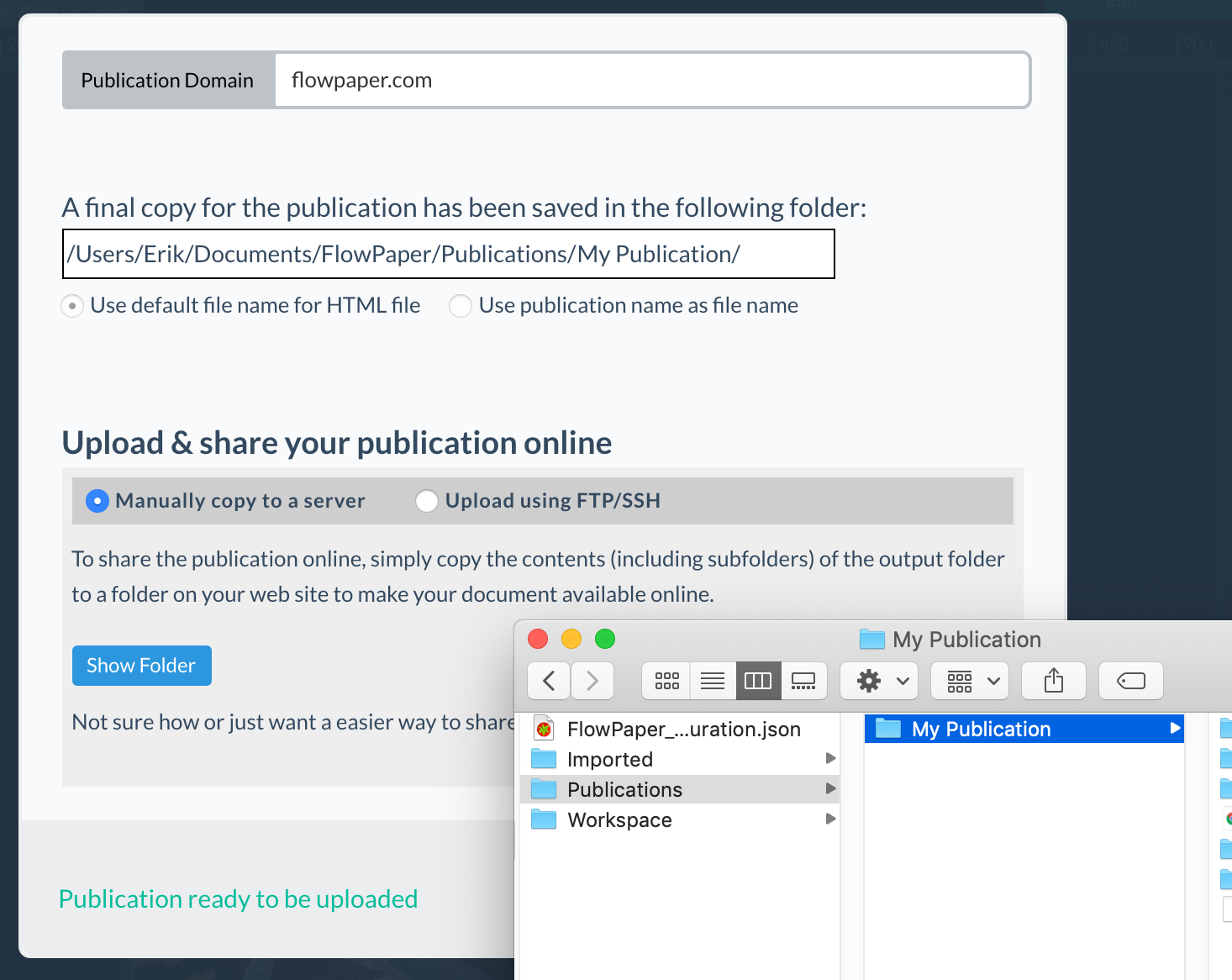
After publishing completes, click Show Folder to open the generated output location.
The folder named after your publication (under the Publications directory) is the one you upload to your web server.
How you upload depends on your host. FlowPaper supports basic FTP upload, but if you upload frequently, a dedicated FTP client like FileZilla gives more control.