Flatten and Compress PDFs for Publishing
PDF files often contain complex layers, hidden elements, and high-resolution assets that are not always ideal for web publishing.
FlowPaper flattening analyzes visible page content, removes hidden elements, simplifies structures, and can reduce image resolution for faster rendering.
Using flatten and compression
Documents with corrupt fonts may need font repair before flattening works correctly.
License notes:
- Creative and Creative Team licenses can use the font cloud repair service.
- Zine licenses cannot use the cloud repair service and may need import without flattening.
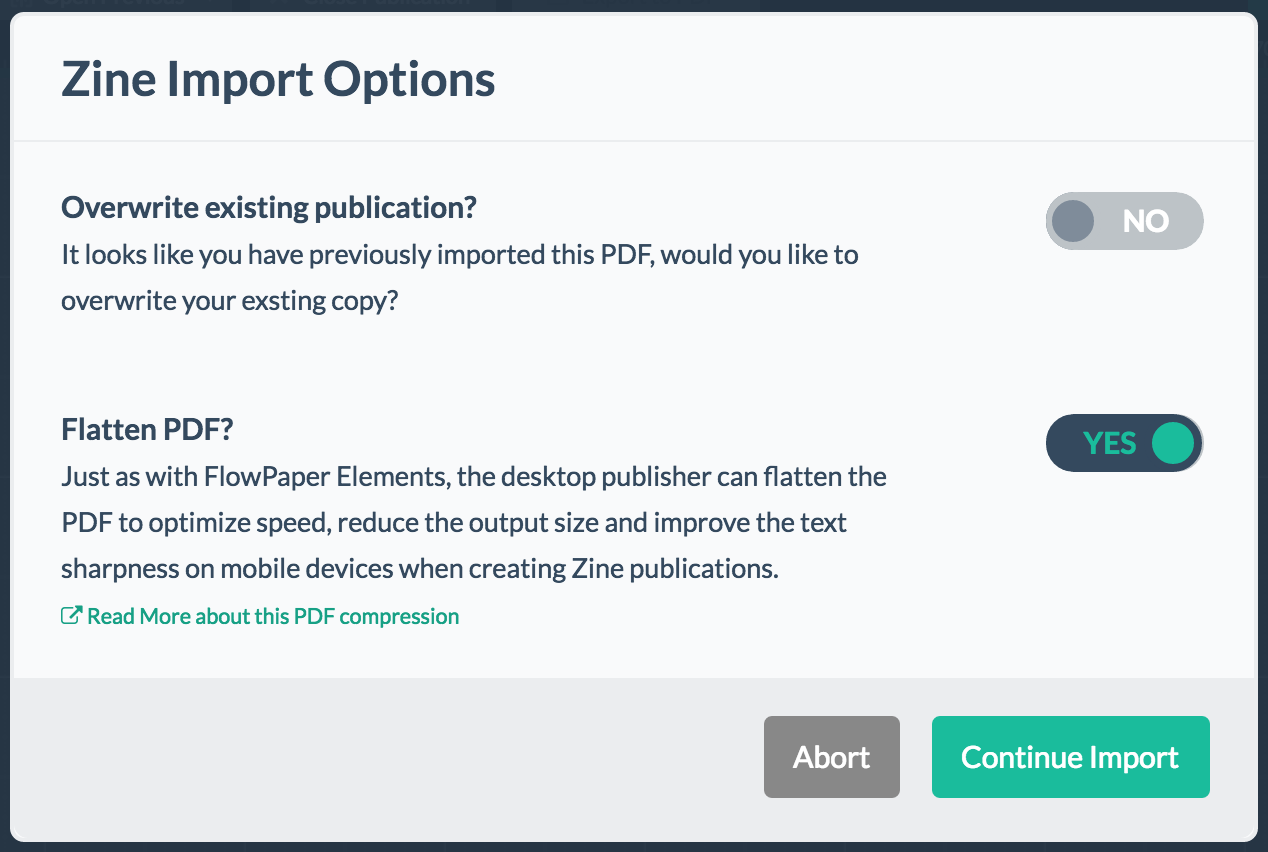
If you already published a document and want to optimize it, re-import the PDF through the import menu and enable flatten/compression.
Browser support includes Internet Explorer 9+ and modern browsers. If you need Internet Explorer 8 support, use Flash as a fallback format.
Risks to consider when flattening PDFs
Flattening recalculates text positioning and removes hidden elements to improve performance. In very complex files, minor optimization issues can occur.
For complex publications, review the output after import. If the result is not acceptable, disable flattening for that document.